Portable Mono Speaker Check — Mix Translation Checker Plugin
Find the Balance Problems That Kill Your Mix.
Check vocals, kick, bass, snare, and hooks through a virtual Bluetooth speaker and a pink noise test — without pairing a real speaker or leaving your DAW.
VST3 · AU · AAX plugin for your DAW · No credit card required
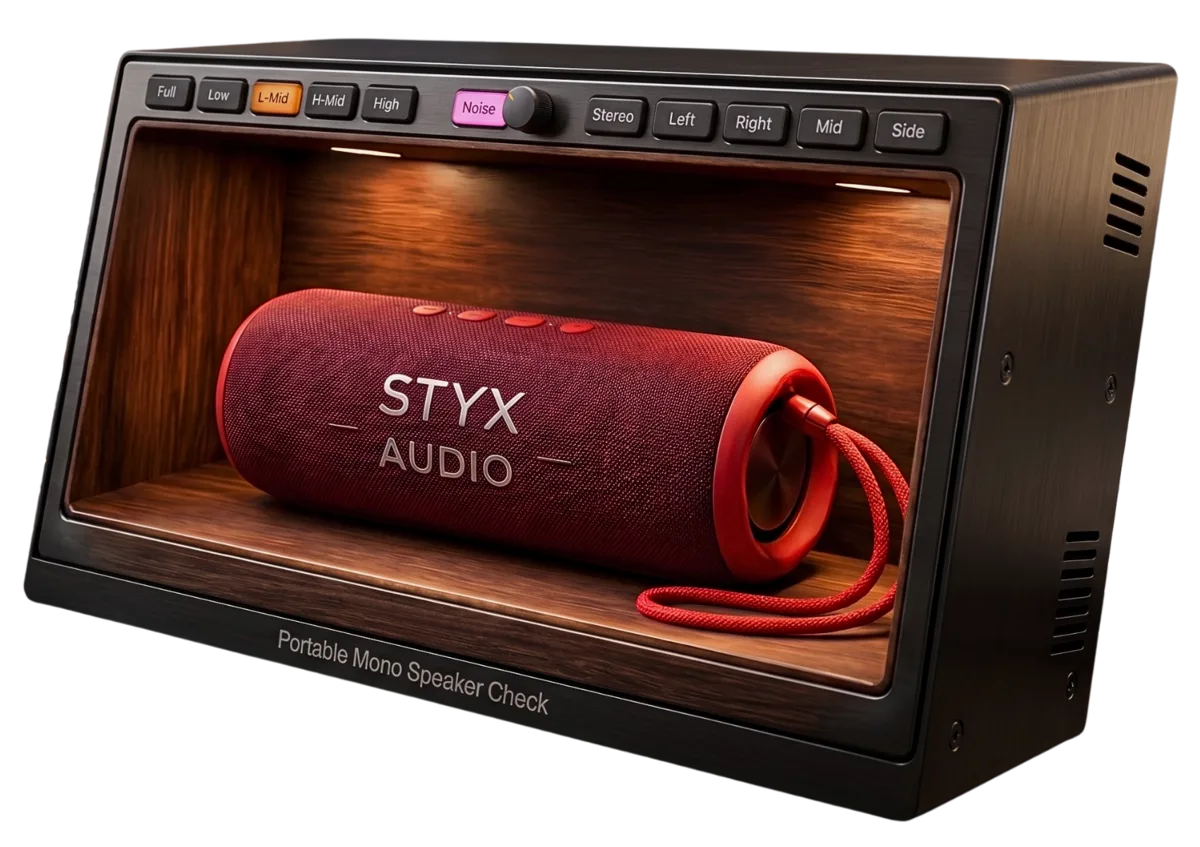
Balance Kills More Mixes Than Tone
After years of teaching mixing and analyzing hundreds of student mixes, the pattern is obvious: most problems that kill a mix are simple balance problems.
The vocal is too loud. The kick is too quiet. The bass disappears on small speakers. The snare does not cut through. The hook is buried. And no amount of “tone tweaking” fixes a wrong balance.
The dangerous part? Your ears adapt. After a few minutes, even a wrong balance can start to feel normal. This plugin is built to reveal those problems fast.
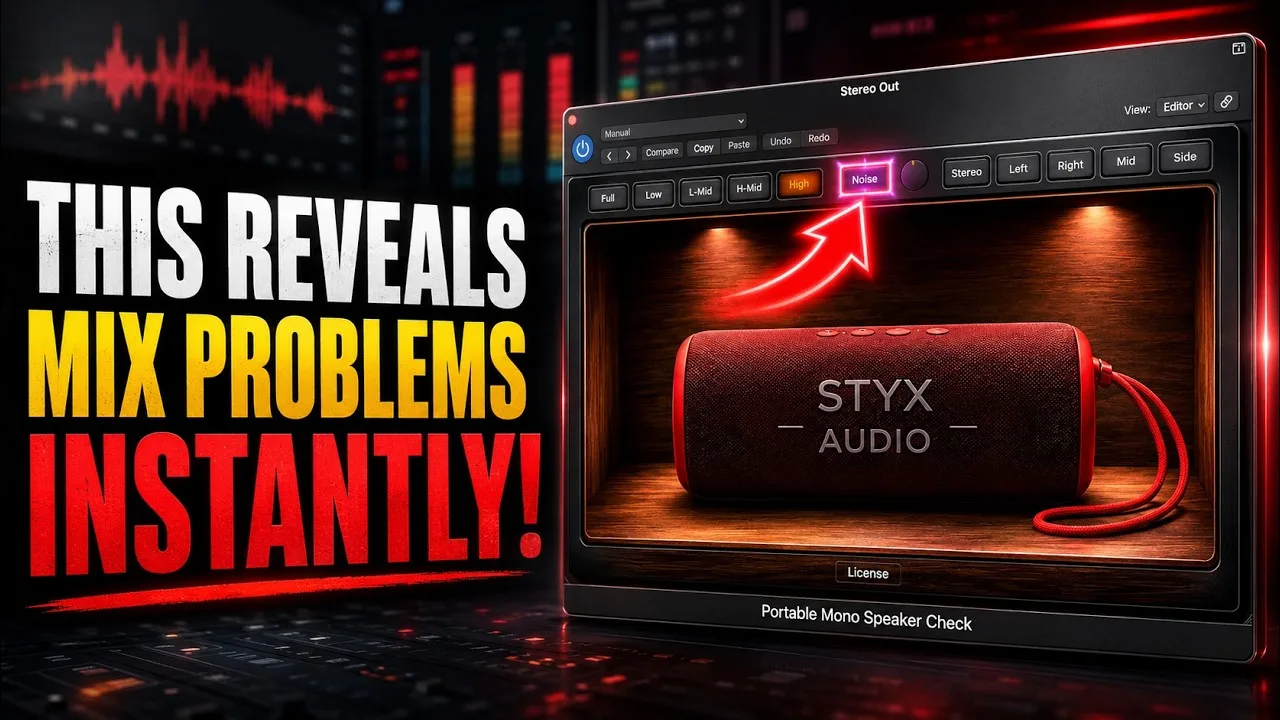
See It in Action
Drop it on your mix bus and hear your mix through a virtual Bluetooth speaker in seconds. No real speaker. No pairing. No extra routing.
Quickly check whether the most important elements still survive: vocal, kick, snare, bass, and main hook. If they work here, your mix is much more likely to work everywhere.
Not More Guessing. Clear Balance Decisions.
Two simple tools — a virtual small speaker and a pink noise test — that make balance problems obvious.

Virtual Bluetooth Speaker
The small-speaker reality check engineers trust — instantly, inside your DAW. Hear whether your mix still translates.

Pink Noise Test
Pink noise works like a sonic ruler: it masks the mix in a controlled way, so you hear what really cuts through — and what only felt right because your ears adapted.

The Aha Moment
Turn it on and the problem becomes obvious: “my kick is gone”, “the vocal is too loud”, “the bass doesn’t translate”. Now you know what to fix.
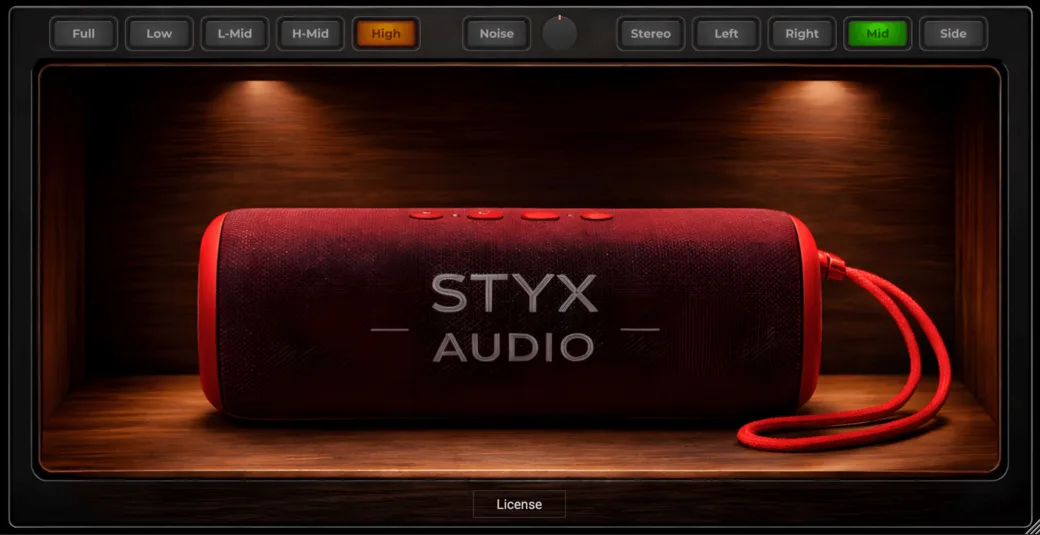
How to Use It
Put a Reference Plugin Before It
Use REFERENCE by Mastering The Mix, Metric AB, or any tool that lets you switch between your mix and a reference. Important: your mix and the reference must be level-matched.
Play the Reference and Turn On Pink Noise
Raise the noise until only the main elements remain audible.
Switch to Your Mix
Don’t change the noise level. If something disappears, it probably needs more level or focus. If something jumps out, it is probably too loud.
No Bluetooth speaker. No routing. No guessing.
System Requirements
macOS
- macOS 10.15 or higher
- Apple silicon & Intel, 64-bit
- AAX, VST3 & AU
- 8 GB RAM (16 GB recommended), 400 MB disk space
Windows
- Windows 10 or higher
- 64-bit only
- AAX & VST3
- 8 GB RAM (16 GB recommended), 200 MB disk space
No Guessing. Just Balance.
This plugin does not magically mix for you. It does something more useful: it shows you what is wrong — before you spend another hour tweaking tiny details.
No credit card required · Instant download